Write the book. Then design the book.
Every writing app has an editor. Charc also has the part that comes after: a page view that matches the printed page, margin notes that sit on it, and designed pages your manuscript pours straight through.
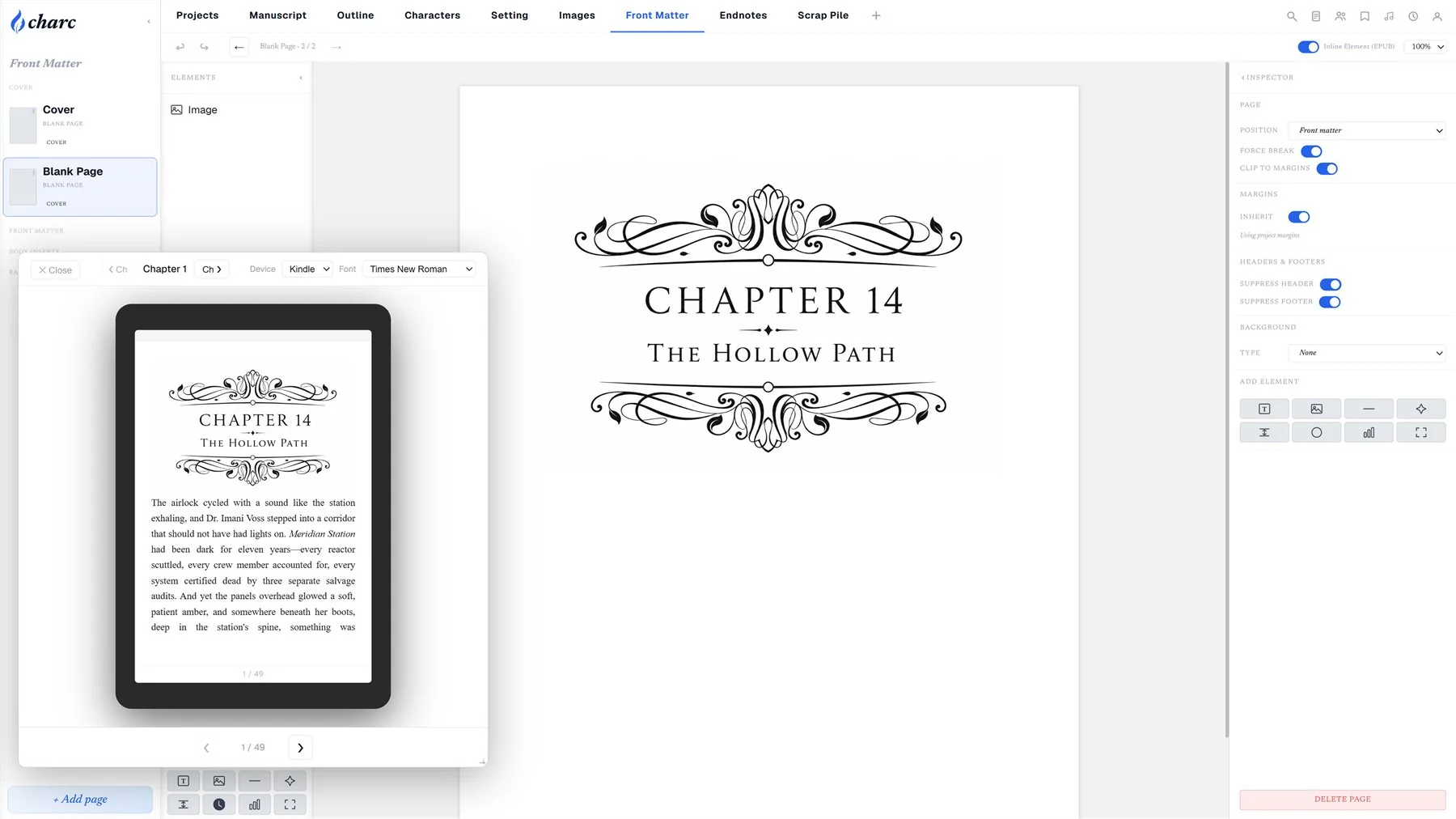
Title pages, dedications, part openers — laid out on the page, not in a template.
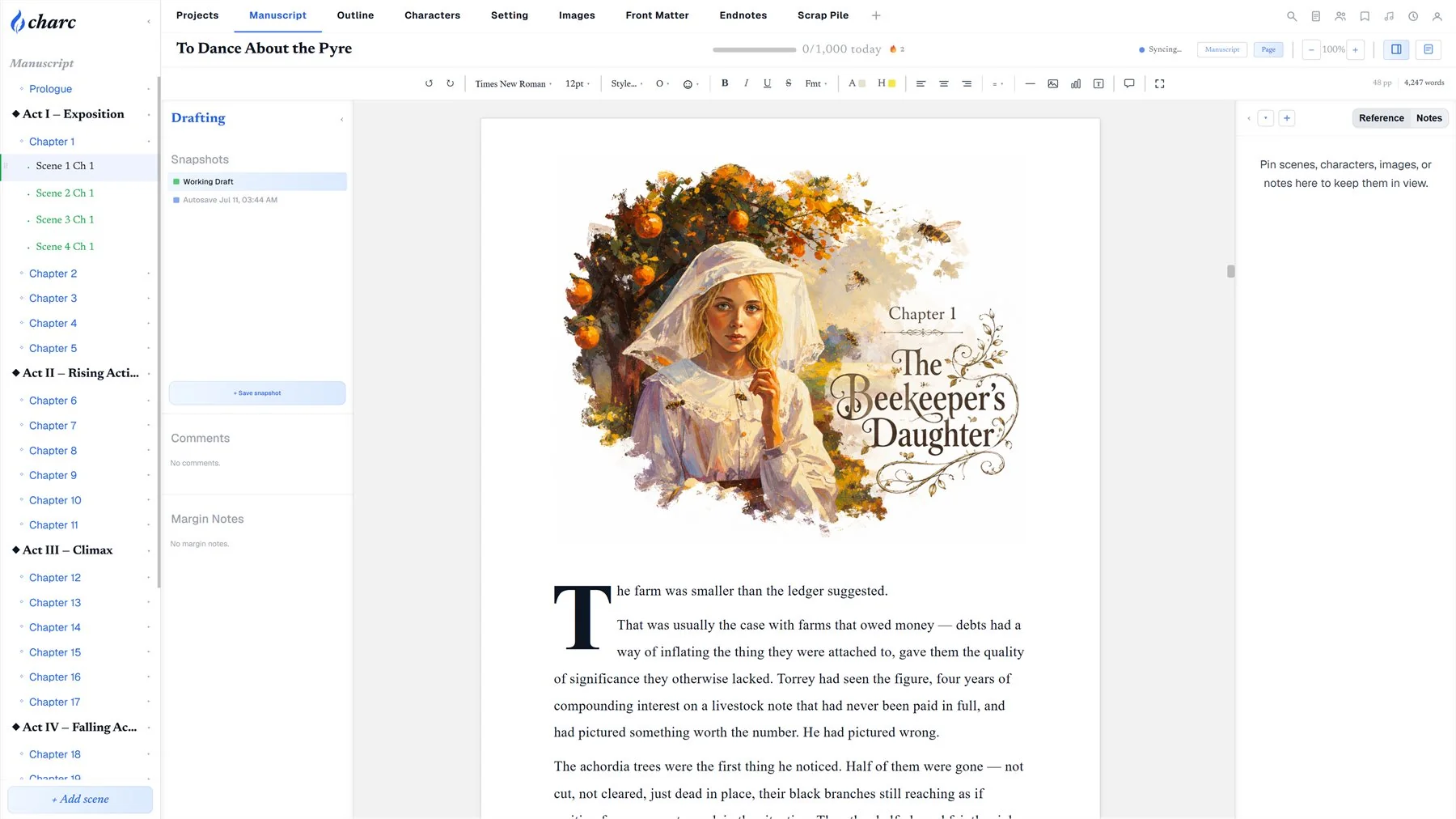
Set a chapter opening once and every chapter follows it.
Front, back and spine as one spread, sized to your page count.
Pick the typeface and trim size on day one; the manuscript wears it as you write.
A page that gets out of the way
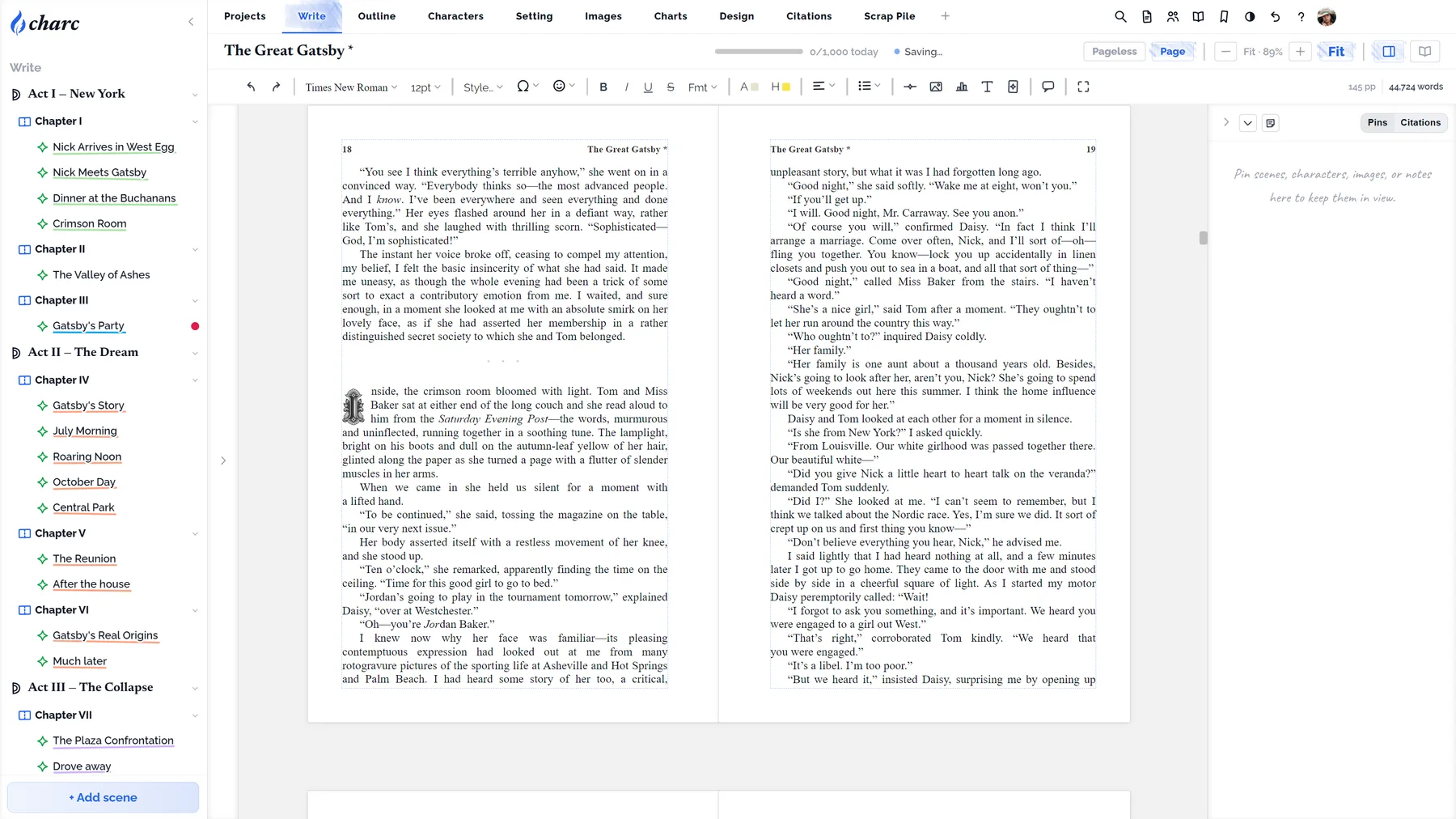
Chapters and scenes in a sidebar, the prose in the middle, and nothing else unless you ask for it. Pageless while you draft; the real page when you want to see the book.
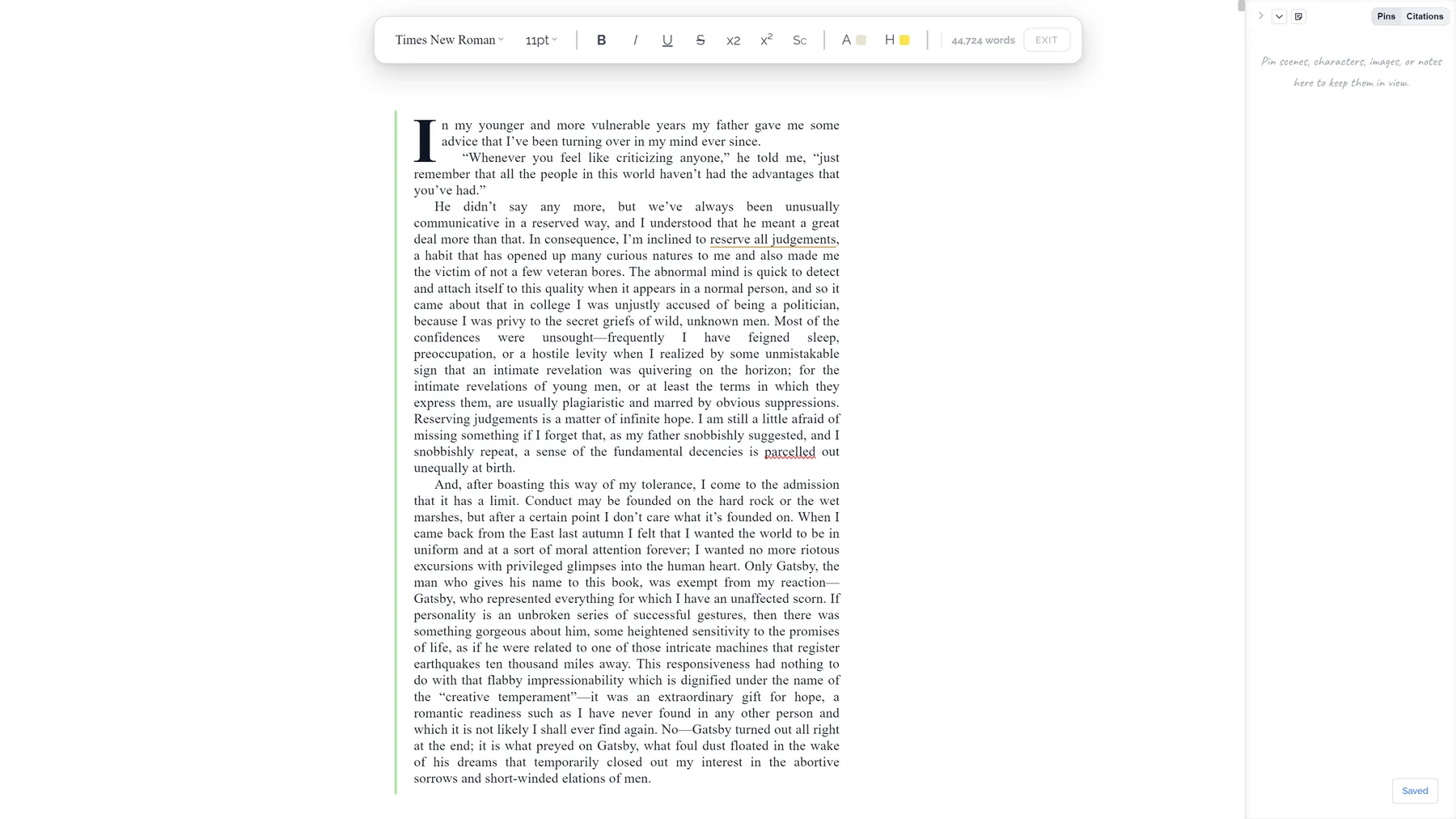
- Focus mode hides everything but the paragraph you're in.
- Automatic saves as you work, thinned to daily and weekly so the list stays useful.
- Your fonts, trim and margins from the first day, not at export.
The editor is the least interesting part of Charc on purpose.
Everything but the paragraph you are in fades back.
Write on the pages your book will have, line for line.
Bold, italics, headings and quotes, and nothing to fight with.
Search the whole project or one scene; replace with care.
The shape of the book on one screen
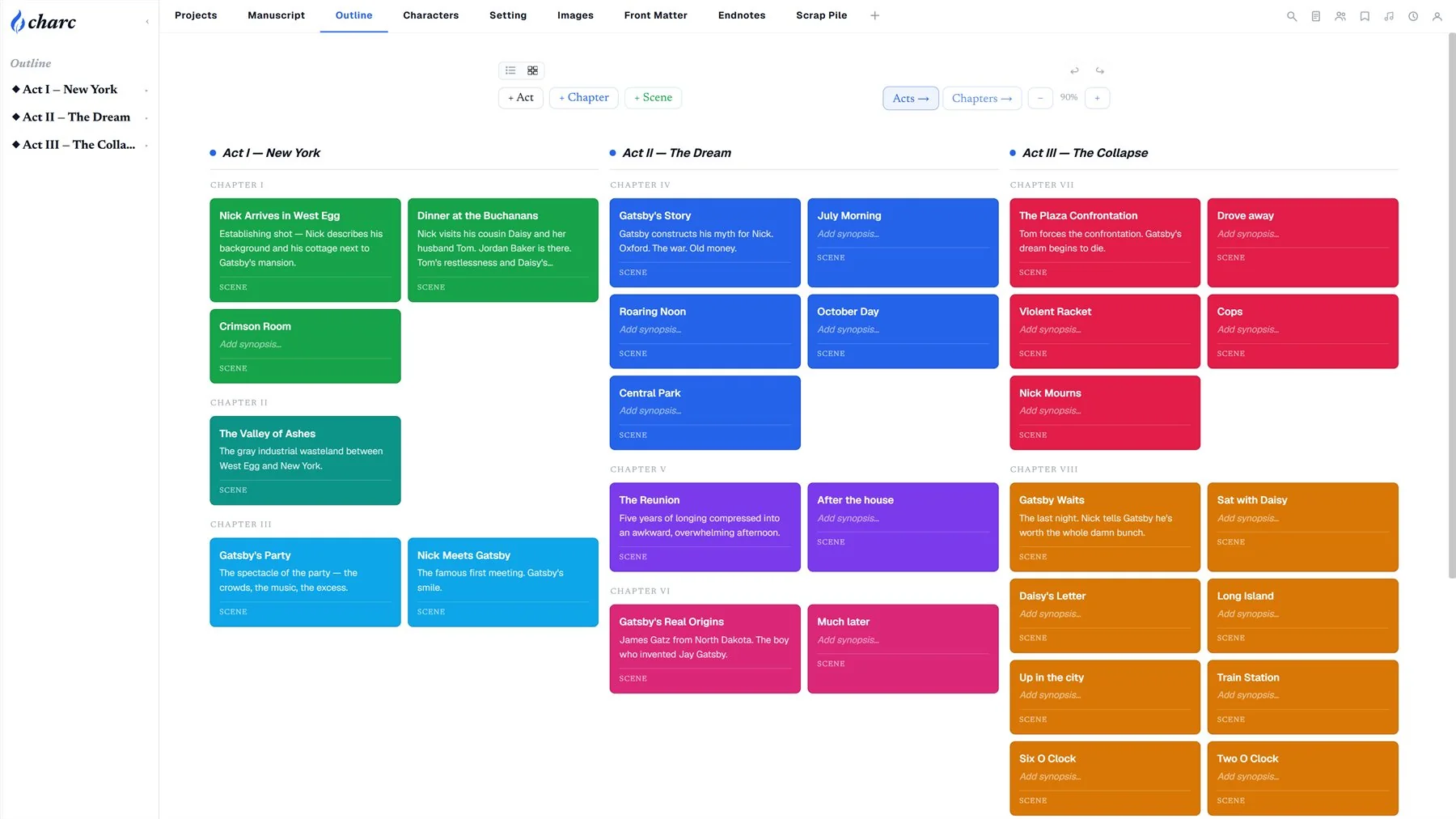
Acts, chapters and scenes as cards you can drag. Move a scene here and it moves in the manuscript — there is one book.
- Act trackers show how far each act has come, in words.
- Scene status — outline, first draft, revised, final — colours the cards and the sidebar.
- Filter by point of view, status or keyword to follow one thread.
The outline answers questions instead of listing headings.
Chapters and scenes as cards you can drag, colour and collapse.
A bar per act that fills as the words land.
Outline, first draft, revised, final — the outline shows where each scene stands.
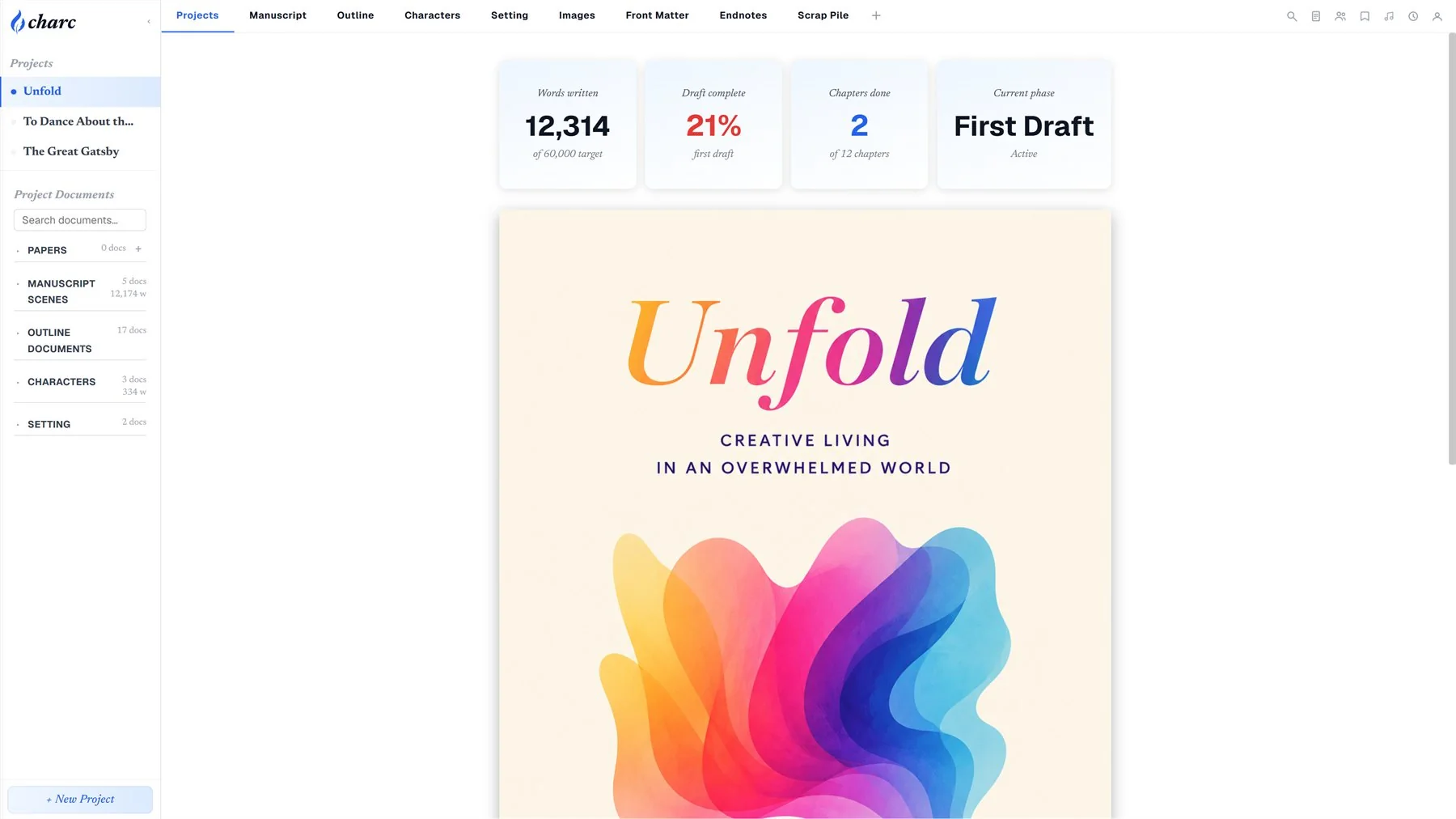
A word target for today and a streak to keep.
Characters and places that stay next to the writing
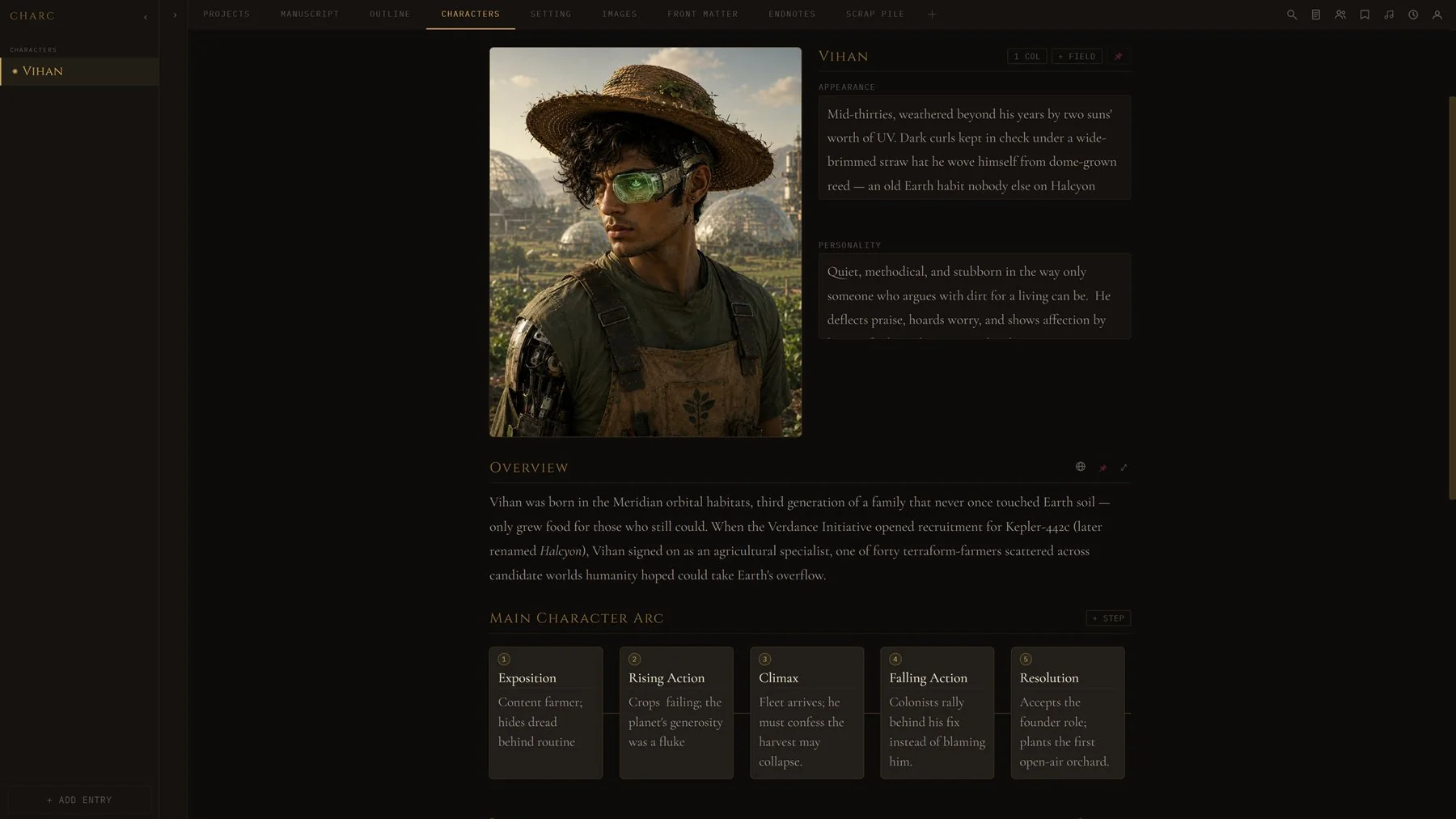
A page for every character and setting — portrait, notes, relationships, the scenes they appear in — a tab away from the sentence about them.
- Add your own entity tabs: factions, artefacts, timelines, whatever the book needs.
- Continuity check catches a name spelled two ways and a character who goes quiet.
- Images and charts live here too, and drop straight onto the page.
The series bible is not a second document. It is the same one.
A sheet per character, with the blocks you choose.
Places get the same treatment, from a city to one room.
Factions, magic systems, ships — add an entity type and it works like the rest.
Relationship maps, family trees and tables, pinned where you need them.
Rewrite without fear
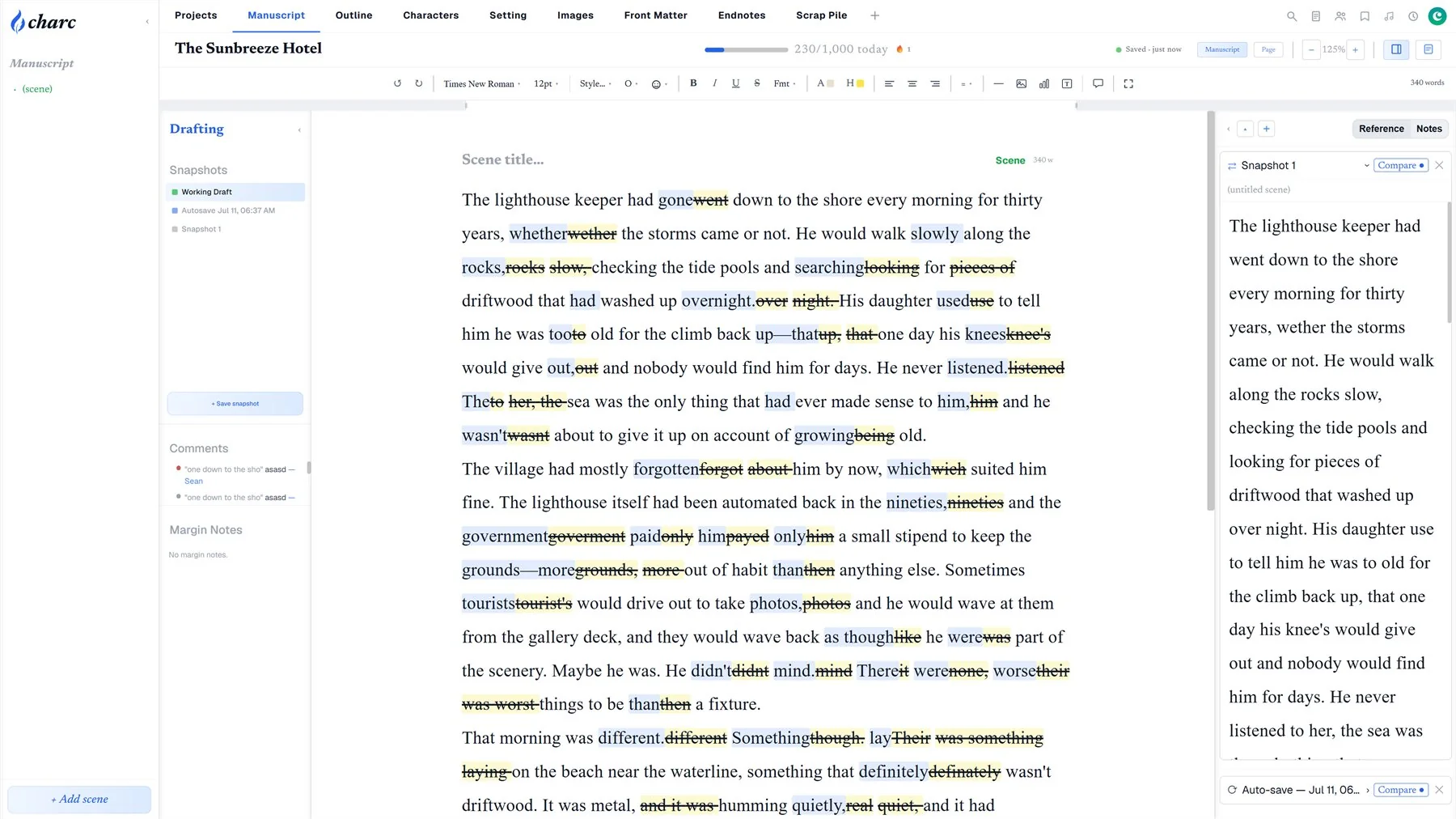
Snapshot before the big cut. Compare any two versions word by word. Restore a paragraph, a scene or the whole draft — from a named snapshot or from the automatic history.
- Compare view shows exactly what changed, inline, with counts.
- Comments and margin notes stay attached to the line they were about.
- Drafts — a completed draft becomes a permanent, named version to measure the next against.
Cutting a chapter should cost nothing to undo.
Name a version of the manuscript and come back to it any time.
Two versions side by side, with the changes marked.
Copies taken as you work, with no decision needed from you.
Bring back a scene, a chapter or the whole draft from any snapshot.
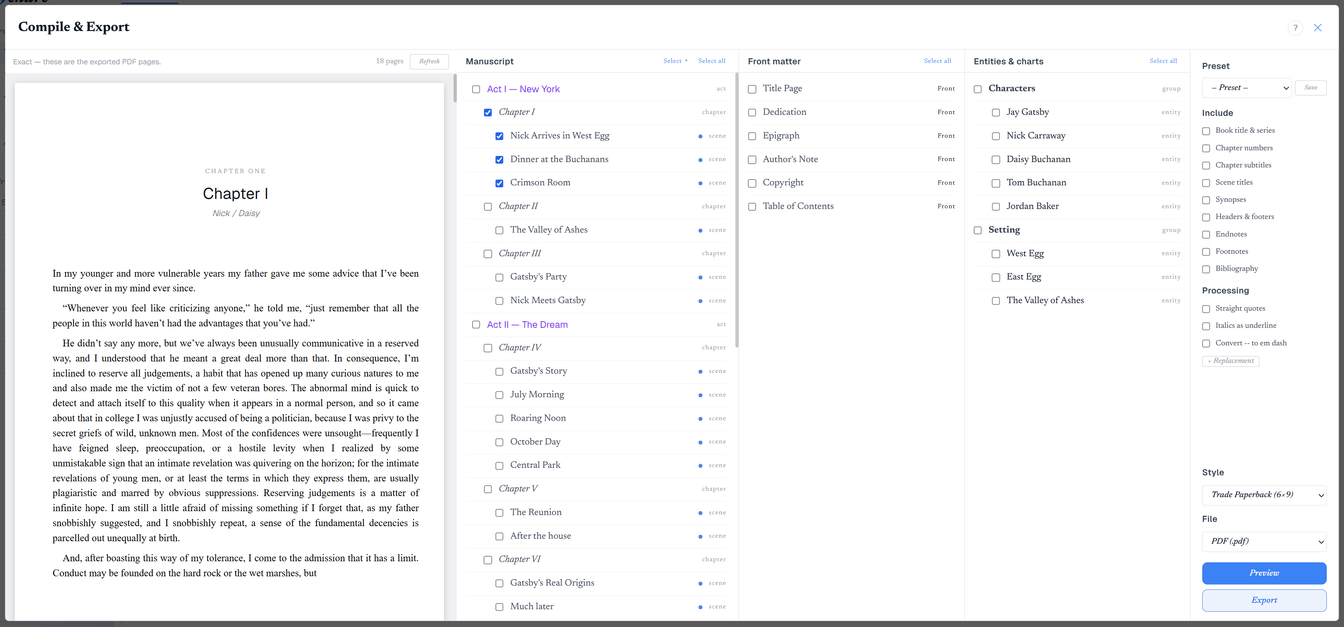
From manuscript to something you can hand someone
A print-ready PDF at your trim size with bleed. An EPUB for any e-reader. The manuscript format an agent asked for. All from the same book, none of it re-typeset.
Write and design the whole book. The editor, outline, world, collaboration and the book designer, plus DOCX, TXT and HTML and a plain single-column PDF. Your words are never held hostage.
Export the book you designed. A print-ready PDF with your chapter openers, images on the page, trim sizes and margins: the files a printer accepts.
All of it, free. Every feature is unlocked while the alpha runs.
Billing opens with the beta, not before. See pricing
A press-ready PDF with the trim, margins and running heads you designed.
A clean ebook with your front matter and chapter breaks intact.
Bring a manuscript in from Word or Scrivener and keep its structure.
Export the whole book, one part, or just the scenes marked done.
Work with the people who make the book better
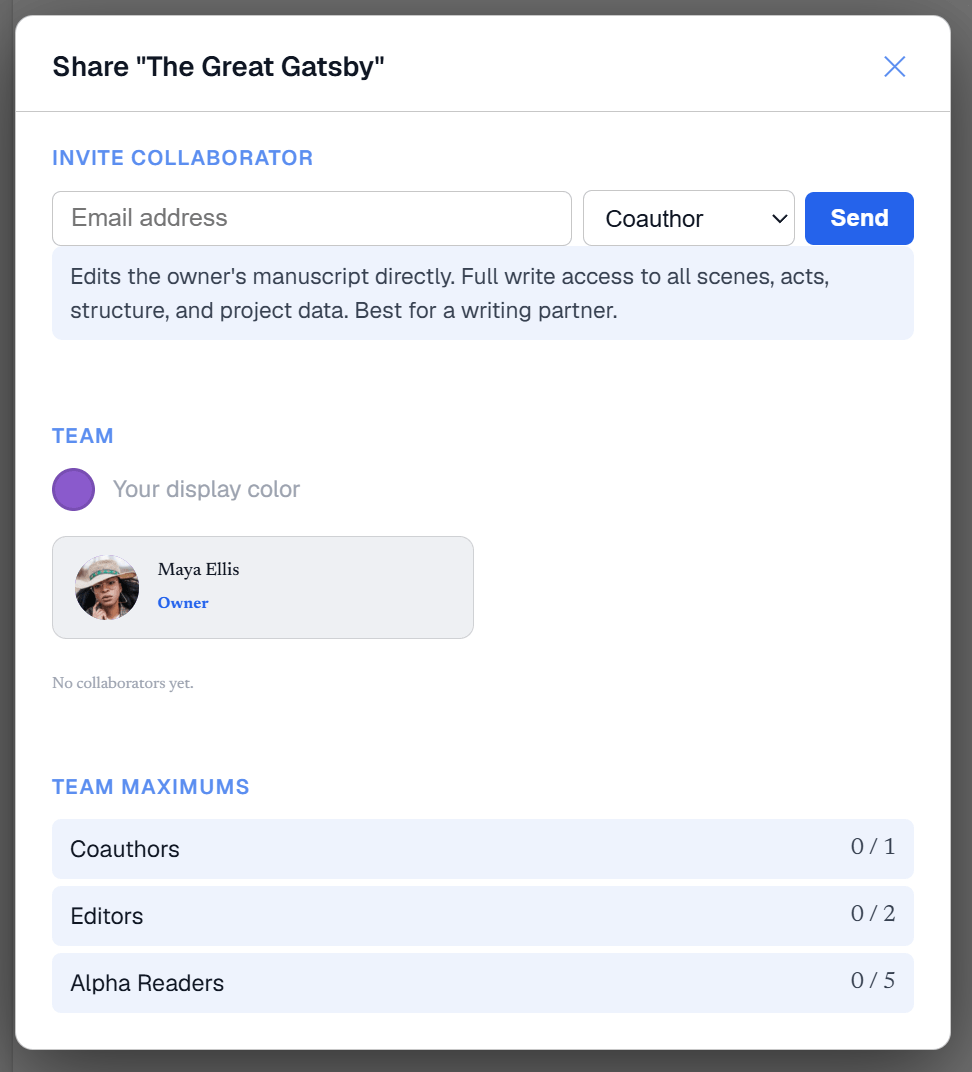
A co-author in the manuscript, an editor in the margins, an alpha reader with a read-only copy and a place to react.
- Co-authors write in the same document; changes merge without clobbering anyone.
- Comments and margin notes from collaborators sit in the drafting sidebar.
- A public writer profile for the book you're willing to show.
The manuscript is the meeting room.
Write the same book together; every edit merges.
Threads on the text, resolved when they are done.
Give someone the manuscript to read and mark up, not to edit.
One link opens the project for whoever you send it to.
Your workspace is ready.
No trial clock, no card. Import a manuscript or start a blank one, and the Design tab is there from the first day.
Start writing free →